

Your Printer Is Secretly Tracking You: The Truth About Hidden Printer Tracking Dots
Every time you print a document, your printer might be secretly adding invisible tracking codes that identify exactly which machine produced it and when. These nearly invisible yellow dots, officially called printer tracking dots or Machine Identification Codes, appear on almost every page printed by modern color laser printers. While this technology was developed to combat counterfeiting, it raises serious privacy concerns that most printer users don’t even know exist.
Table of Contents
What Are Printer Tracking Dots?
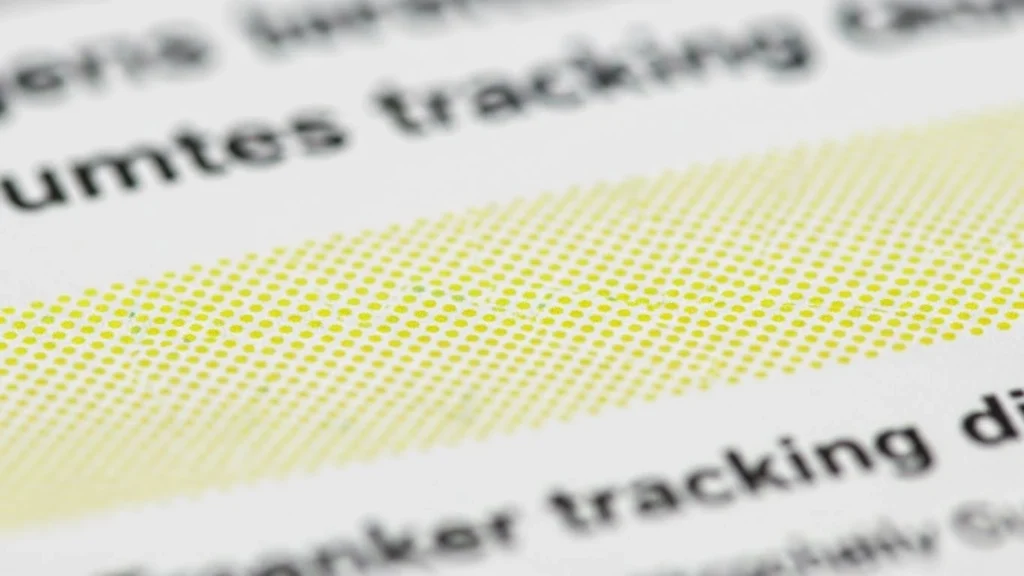
Printer tracking dots are microscopic yellow patterns embedded on every printed page by most color laser printers and copiers. Each dot measures approximately 0.1 millimeters in diameter, spaced roughly one millimeter apart, and arranged in specific grid patterns across your documents. These patterns are invisible to the naked eye under normal lighting but become visible under blue or ultraviolet light.
The dots encode critical identifying information including the printer’s serial number, manufacturer details, and often the exact date and time the document was printed. This pattern typically repeats up to 150 times across a single A4 page, ensuring the code remains readable even if the document is cropped, damaged, or shredded into pieces.
The Secret History Behind Yellow Dots Tracking
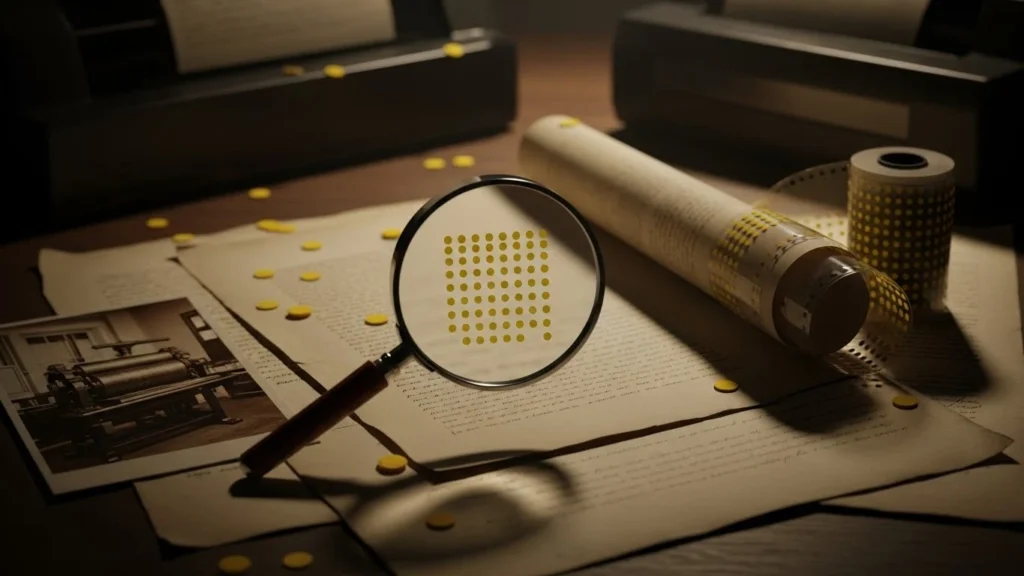
The development of printer tracking dots began in the mid-1980s when companies like Xerox and Canon created this technology at the request of government agencies, particularly the US Secret Service. The official justification was preventing currency counterfeiting as high-quality color printers became more affordable and accessible to consumers.
This surveillance technology remained largely secret until 2004, when Dutch authorities publicly credited printer tracking dots for helping dismantle a counterfeiting operation. Shortly afterward, PC World revealed that major printer manufacturers had been implementing this tracking system for years without public knowledge or disclosure.
The Electronic Frontier Foundation conducted extensive research starting in 2005, collecting print samples from volunteers worldwide. Their investigations revealed that Freedom of Information Act documents suggested all major color laser printer manufacturers had entered secret agreements with governments to make their devices forensically traceable. This revelation sparked intense debate about privacy rights and government surveillance.
How Printer Tracking Technology Actually Works
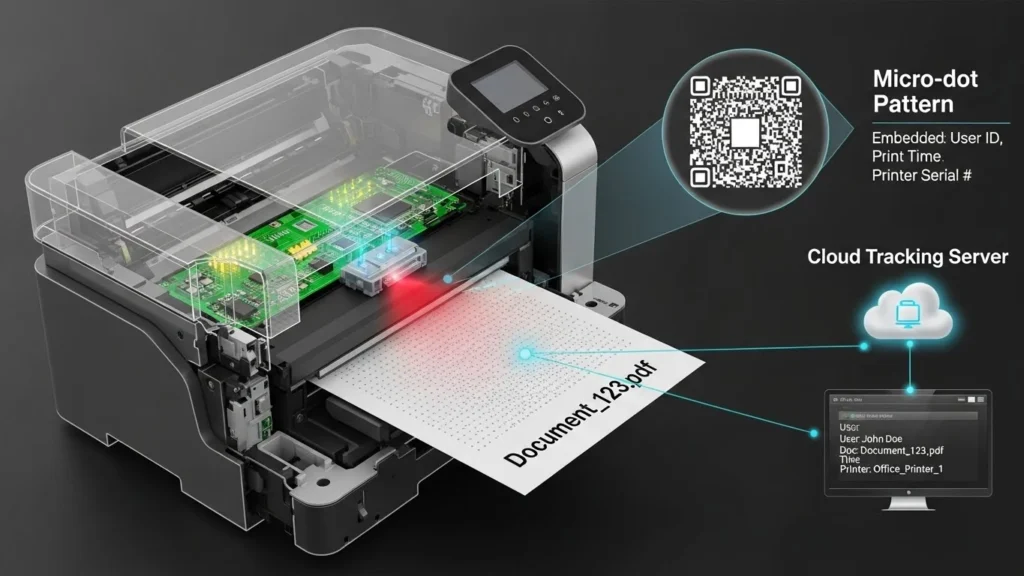
Understanding how printer tracking dots function helps illustrate why they’re so effective yet concerning. When you send a document to print, your color laser printer automatically generates a grid pattern of yellow dots alongside your actual content. The yellow color was specifically chosen because it’s nearly invisible on white paper under normal lighting conditions.
Each grid typically contains 8×16 dots or similar configurations, encoding information through the presence or absence of dots in specific positions. The pattern uses binary encoding where different dot positions represent different data values. When added together, these values reveal the printer’s serial number, printing date, and timestamp information.
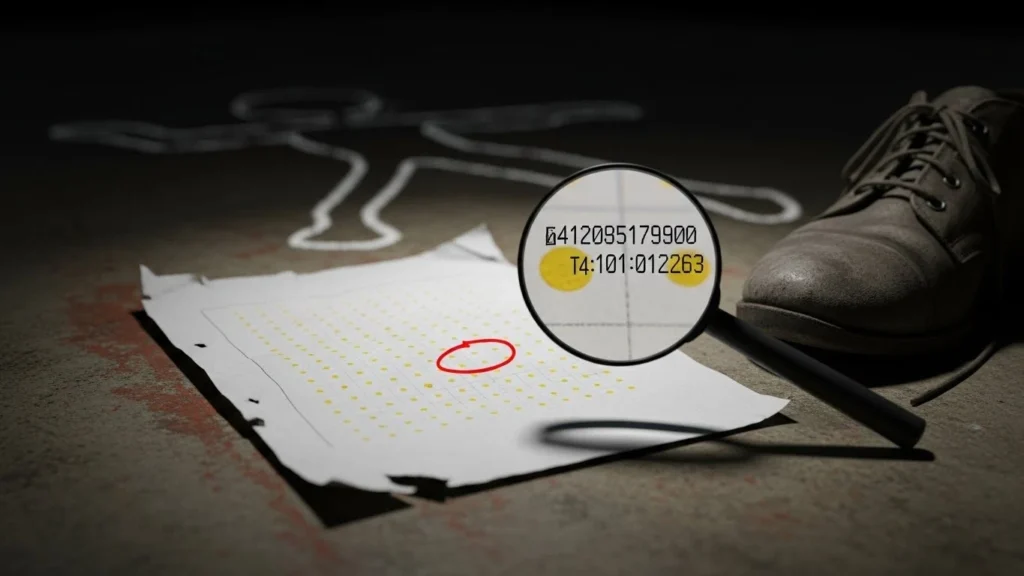
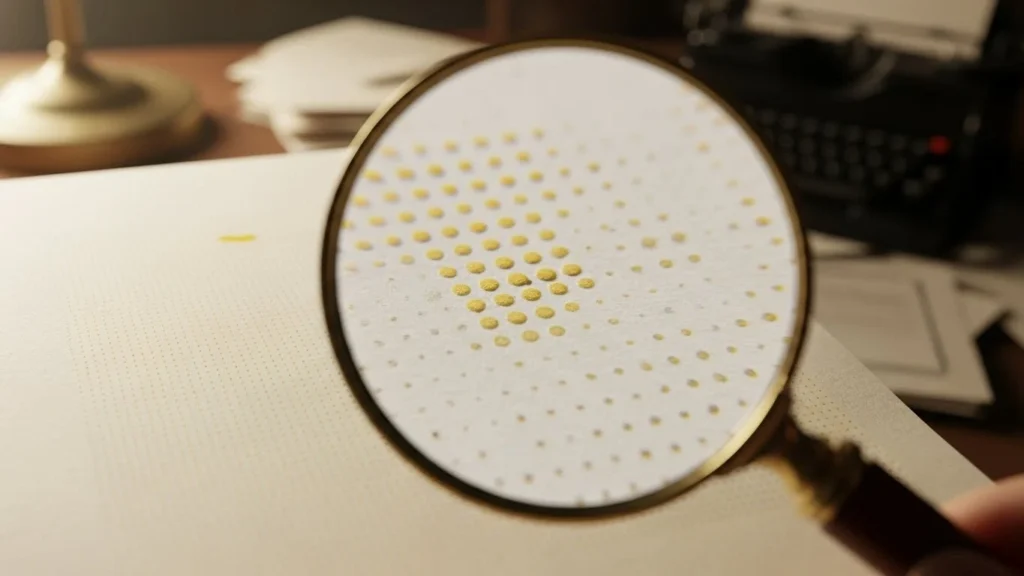
Forensic investigators can decode these patterns using specialized equipment or even basic tools like blue LED lights and magnifying glasses. The yellow dots appear dark under blue light, making the pattern easier to photograph and analyze. Image processing software can enhance the yellow channel in scanned documents, making the tracking dots clearly visible for examination.
Real-World Cases: When Printer Tracking Exposed Secrets
The most notorious example of printer tracking dots leading to identification occurred in 2017 with NSA contractor Reality Winner. She leaked classified documents about Russian election interference to The Intercept news organization. Investigators traced the printed documents back to Winner’s printer through the yellow dots, which revealed the exact printer serial number and printing timestamp.

Security researchers analyzing the published documents discovered that The Intercept had inadvertently included the tracking dots when they scanned and published the leaked materials. This case demonstrated how printer tracking technology could identify whistleblowers and sources, raising serious concerns for journalists, activists, and anyone seeking to share sensitive information anonymously.
Other documented cases include counterfeiting investigations where authorities successfully identified specific printers used to produce fraudulent currency or documents. While these legitimate law enforcement uses demonstrate the technology’s effectiveness, they also highlight how the same capability can track political dissidents, corporate whistleblowers, or anyone printing controversial materials.
Privacy Concerns and Civil Liberties Issues
The existence of printer tracking dots raises fundamental questions about privacy rights and informed consent. Most printer manufacturers never explicitly disclosed this tracking capability to consumers, and many printer manuals still contain no mention of machine identification codes being printed on every page.
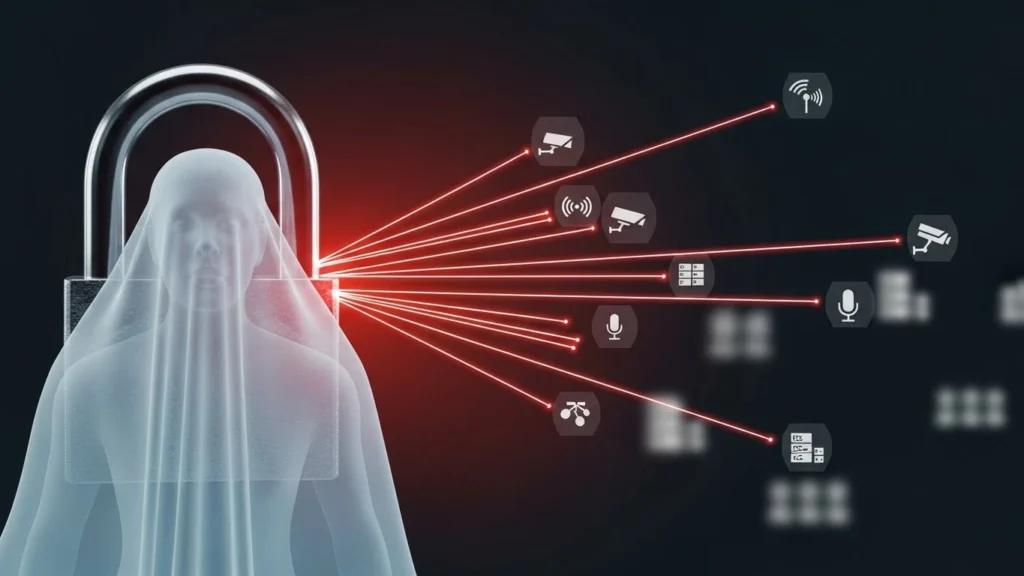
Privacy advocates argue this constitutes mass surveillance because individuals are tracked without knowledge or consent. The European Parliament addressed these concerns in 2007, with the European Commission acknowledging that printer tracking dots raised serious fundamental rights issues, particularly regarding privacy and data protection under European human rights law.
The technology creates a chilling effect on free expression. Knowing that printed materials can be traced back to specific individuals may discourage people from printing political pamphlets, anonymous reports about workplace misconduct, or other protected speech. This particularly affects journalists protecting confidential sources, activists organizing political movements, and whistleblowers exposing corruption or illegal activities.
Which Printers Have Tracking Dots?
According to research by the Electronic Frontier Foundation, nearly all color laser printers manufactured by major brands include some form of tracking technology. Documented manufacturers include Xerox, Canon, HP, Dell, Epson, Brother, Konica Minolta, Ricoh, and Samsung among others.
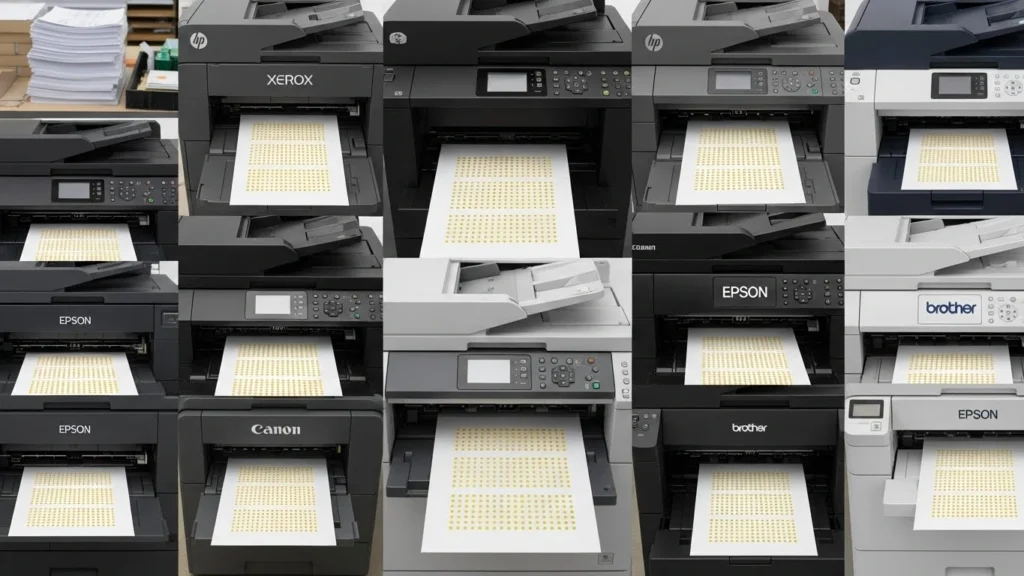
However, not all printers use the same tracking method. While yellow dots are the most common and well-documented approach, manufacturers may employ other steganographic techniques including laser intensity modulation or grayscale variations that are even harder to detect. The absence of visible yellow dots doesn’t guarantee a printer has no tracking capabilities.
Monochrome laser printers and basic inkjet printers typically don’t include tracking dots, though this isn’t universally guaranteed. The tracking technology primarily affects color laser printers and multifunction copiers, particularly those marketed for business or professional use where high-quality color reproduction is essential.
How to Check If Your Printer Tracks You
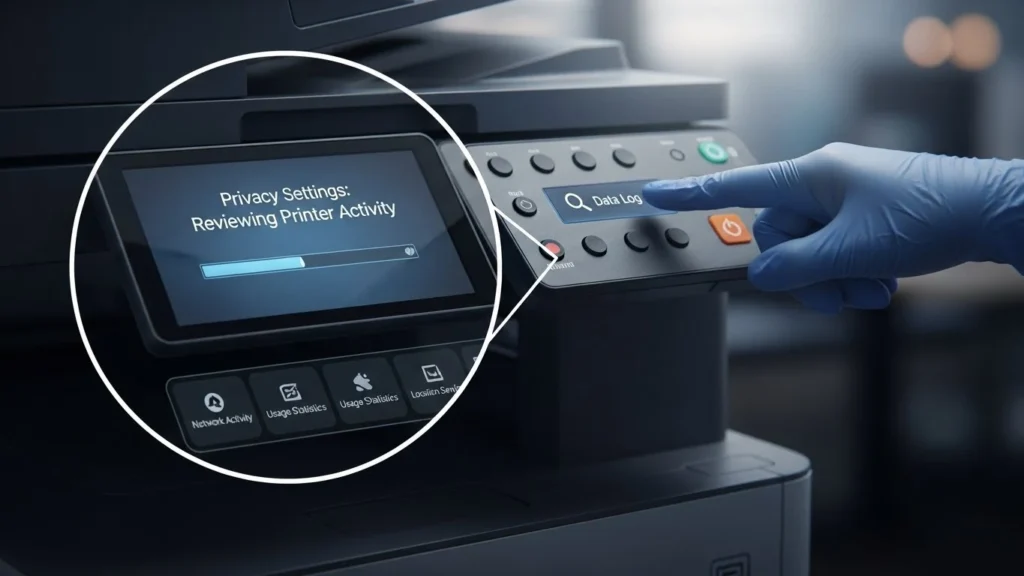
You can test whether your printer adds tracking dots using several simple methods. The easiest approach requires a blue LED flashlight and a magnifying glass. Print a test page with some text and blank margins, then shine blue light on the blank areas while examining them through the magnifier. Yellow dots will appear dark under blue light.
Alternatively, scan a printed page at high resolution (at least 600 DPI) and open it in image editing software. Boost the yellow channel or apply blue color filters to make the dots more visible. Look for regular grid patterns of tiny dots in the margins or between text lines.
The Electronic Frontier Foundation maintains a list of printers known to display tracking dots, though they stopped updating it in 2017 with the note that essentially all modern color laser printers should be assumed to include some tracking mechanism. Researchers at TU Dresden developed software called DEDA (Dots Extraction, Decoding and Anonymisation) that can automatically detect and decode tracking patterns from many printer models.
Protecting Your Privacy When Printing
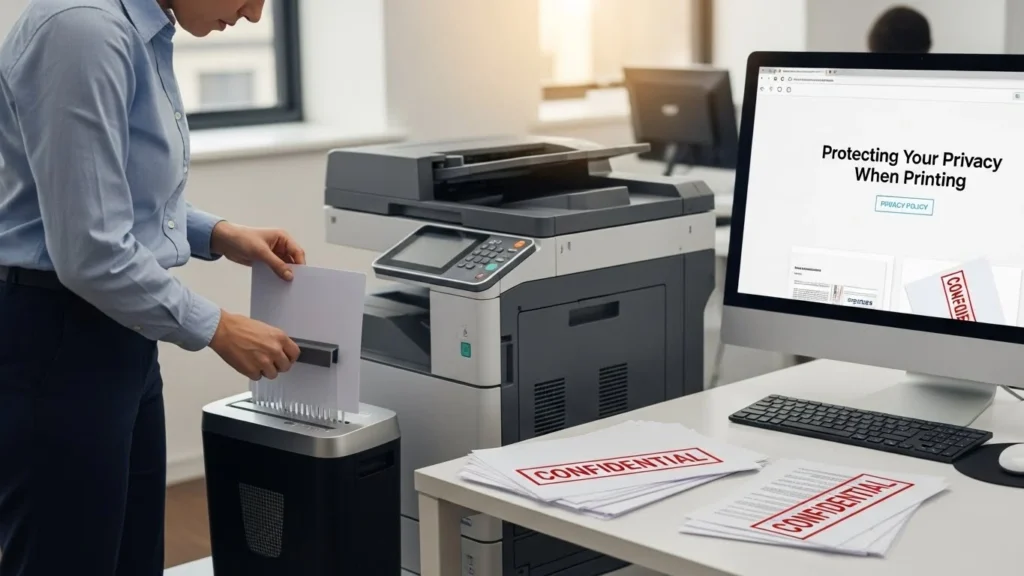
If privacy is a concern, several practical strategies can reduce tracking risks. The simplest solution is choosing a monochrome laser printer or inkjet printer instead of color laser models, as these typically don’t include tracking dots. When color printing is necessary, consider using commercial print shops where documents can’t be traced to you personally.
For those needing to anonymize printed documents, researchers developed the DEDA toolkit that can mask tracking dots by printing additional yellow dot patterns on top of your printer’s original codes. This anonymization approach works by making the tracking pattern ambiguous and unreadable rather than trying to remove it entirely.

Another protective measure involves treating your printer as a potentially untrusted device in your network. Configure network printers in isolated VLANs with restricted internet access, preventing them from communicating with manufacturer servers that might log printing activity. Disable cloud printing features and manufacturer registration unless absolutely necessary for your workflow.
The Broader Implications for Digital Privacy
Printer tracking dots represent just one example of how hidden metadata pervades modern technology. Similar to how digital photos contain EXIF data revealing camera details and GPS coordinates, or how office documents store author names and revision histories, printed pages now carry their own invisible fingerprints.
This reality demands a more sophisticated approach to privacy in 2025. Protecting your information isn’t just about clearing browser cookies or using encrypted messaging apps. It requires understanding that analog outputs like printed documents can be just as traceable as digital communications, perhaps even more so because most people don’t expect paper to contain tracking data.
The lack of legal regulations governing printer tracking technology means manufacturers face no requirements to disclose this capability or obtain user consent. While some jurisdictions have addressed data protection and privacy rights broadly, specific laws addressing printer steganography remain largely absent. This legal vacuum allows the practice to continue without transparency or accountability.
Conclusion: Awareness Is Your First Defense
The reality of printer tracking dots fundamentally challenges our assumptions about privacy in everyday activities. What seems like a simple, anonymous act of printing a document actually creates a permanent, forensically traceable record. While the technology serves legitimate purposes in combating counterfeiting and serious crimes, it simultaneously enables potential abuse through mass surveillance.

Understanding printer tracking technology empowers you to make informed decisions about what you print and which devices you use. Whether you’re a journalist protecting sources, an activist organizing political movements, a corporate whistleblower, or simply someone who values privacy, knowing about yellow dots is essential for protecting your anonymity.
The intersection of security and privacy will continue evolving as technology advances. Printer tracking dots remind us that surveillance capabilities can be embedded in the most mundane devices, operating silently without our knowledge or consent. Staying informed, questioning new technologies, and demanding transparency from manufacturers represent our best defense against unwanted tracking in an increasingly monitored world.
7 Helpful FAQs About Printer Tracking Dots

Q. What exactly are printer tracking dots and why do they exist?
Printer tracking dots are tiny yellow patterns that color laser printers secretly add to every page you print. They encode your printer’s serial number, manufacturer and printing date/time, originally designed to fight counterfeiting but they also track any document back to your specific printer.
Q. Can I see printer tracking dots with my naked eye?
No, these yellow dos are invisible under normal light because they’re extremely small and pale. You can reveal them using a blue LED flashlight with a magnifying glass, or by scanning the page and boosting the yellow channel in photo editing software.
Q. Do all printers include tracking dots?
Nearly all color laser printers from brands like HP, Canon, Xerox, Brother, Epson and Dell include tracking dots. Monochrome laser printers and basic inkjet printers typically don’t have them, though some printers may use other hidden tracking methods.
Q. Is printer tracking legal and do manufacturers have to disclose it?
Yes, printer tracking is currently legal in most countries and manufacturers aren’t required to tell you about it. Most printer manuals never mention this feature, and there are no comprehensive laws requiring disclosure or user consent.
Q. How was Reality Winner caught using printer tracking dots?
When Reality Winner leaked NSA documents in 2017, The Intercept published scanned copies that included the tracking dots. Investigators decoded the dots to identify the exact printer and timestamp, then matched it with access logs to trace the leak directly to Winner.
Q. Can printer tracking dots be removed or anonymized?
Yes, free software called DEDA can anonymize tracking dots by printing additional random yellow patterns over them, making the original code unreadable. You can also avoid tracking by using monochrome printers or basic inkjet models that don’t add these dots.
Q. What can I do to protect my privacy when printing documents?
Use monochrome laser or inkjet printers instead of color lasers, print sensitive documents at commercial shops where they can’t be traced to you, or use DEDA software to mask the tracking dots. Also disable cloud printing and restrict your printer’s internet access.
